Dashboard
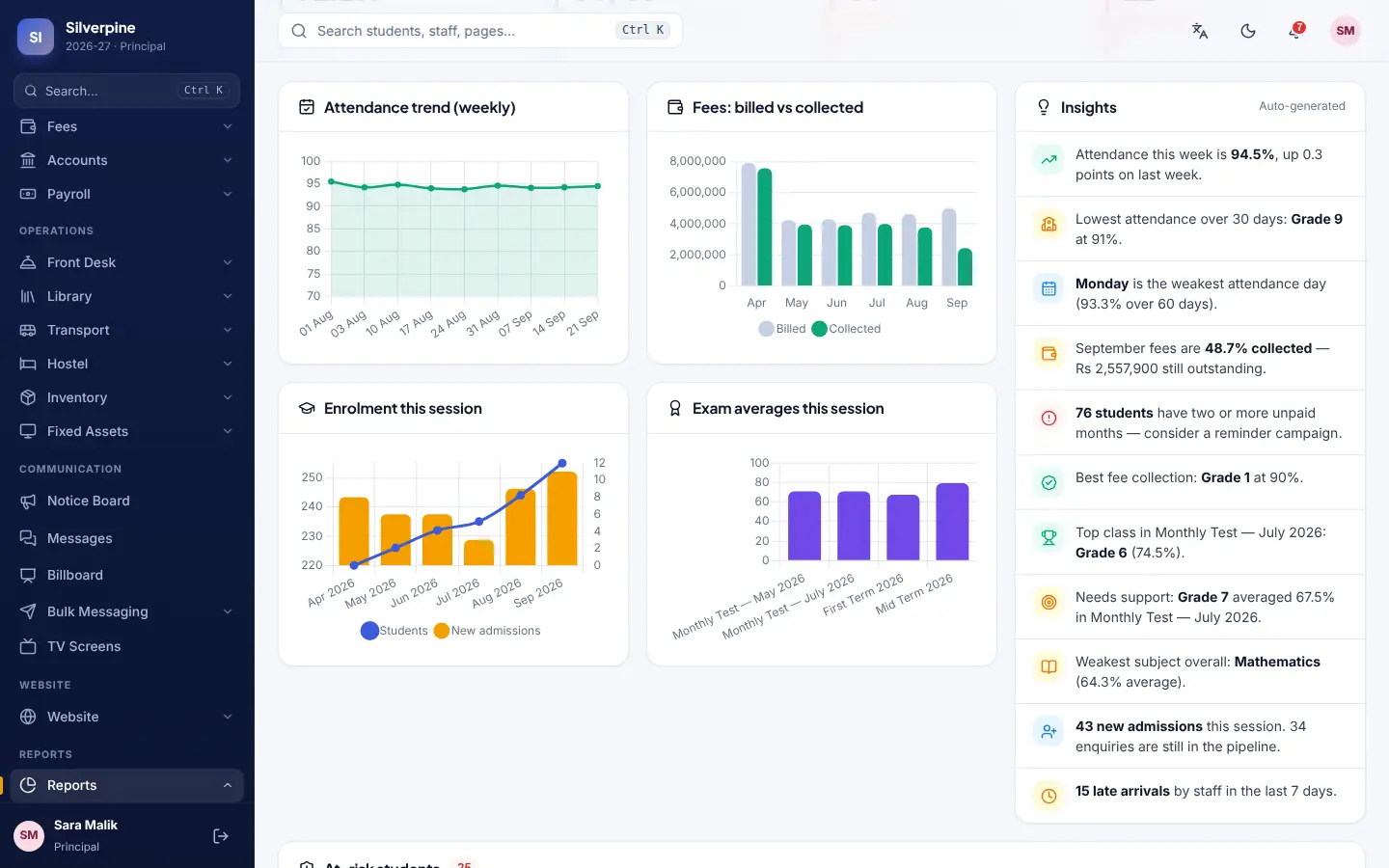
What matters today on one screen — collection, attendance, defaulters and staff presence.
Admissions, attendance, fees and challans, exams and report cards, accounts, payroll, library and transport — plus live online classes that run on your own server. In English and Urdu, on any phone.
A real working system, not a slideshow. Log in and click anything.
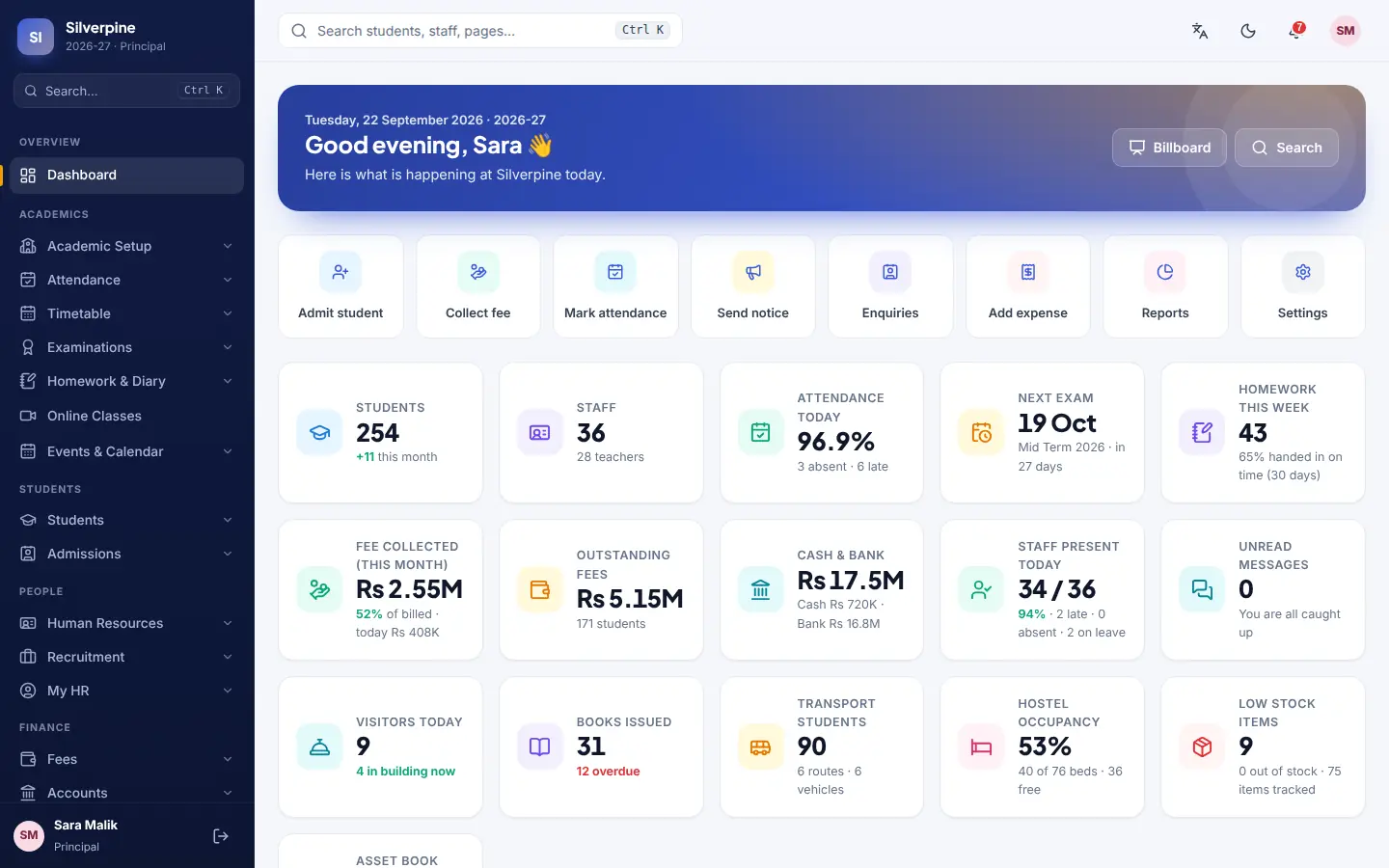
Most schools keep attendance in a register, fees in one piece of software, accounts in Excel, results in another file, and talk to parents through WhatsApp groups nobody can audit. Nothing adds up without someone sitting down and adding it up.
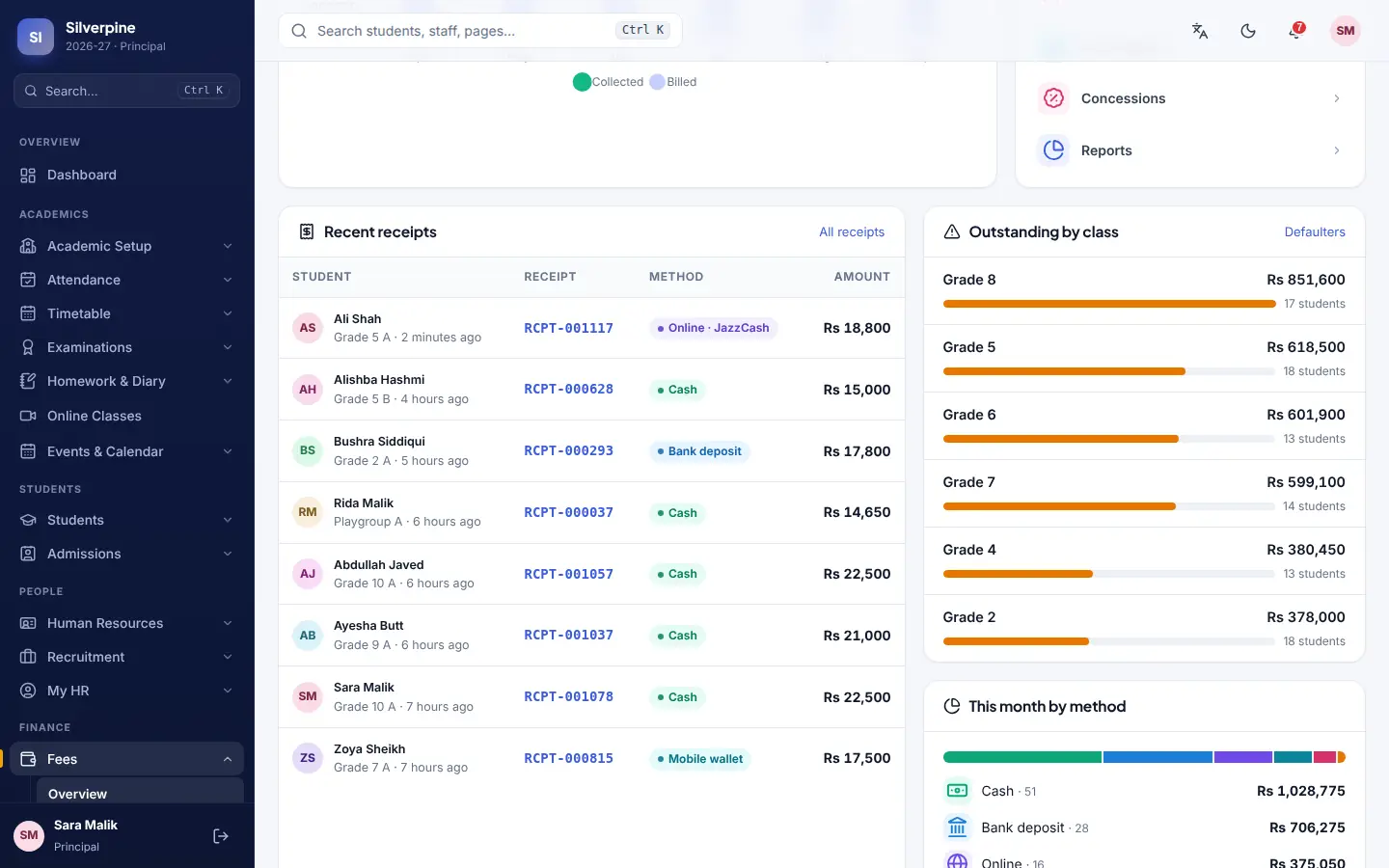
Every module is a switch in Settings. A school with no hostel turns the hostel off and it disappears from the menus for everyone.
What matters today on one screen — collection, attendance, defaulters and staff presence.
Sessions, classes, sections, subjects and grading scales, renamed to suit a school, college or academy.
Full student records, guardians, documents, promotions and transfer certificates.
An enquiry-to-enrolment pipeline with a public application form on your website.
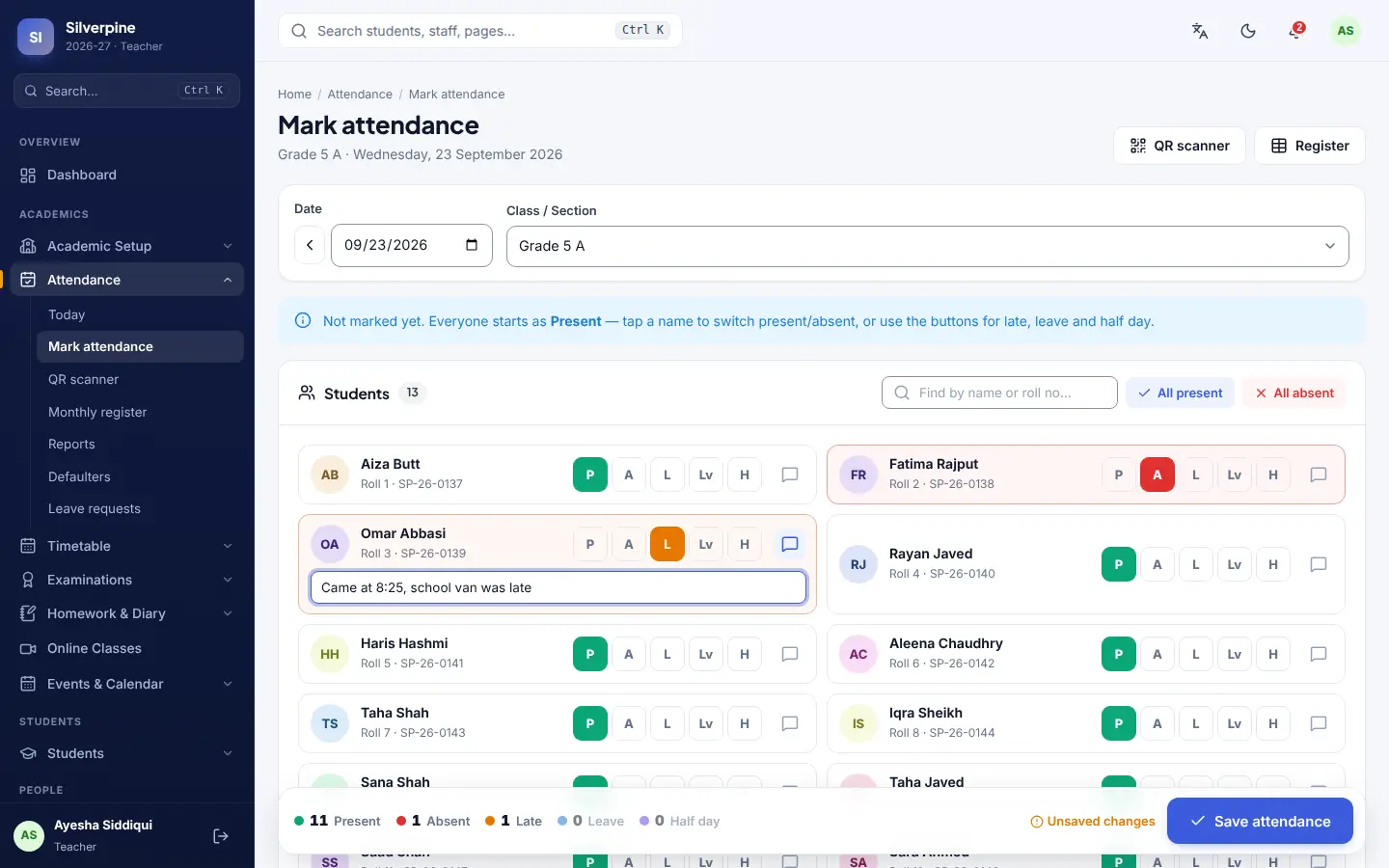
Mark a class in seconds, scan QR cards at the gate, and alert parents automatically when a child is absent.
Build timetables that respect teacher availability, with substitution and cover duty.
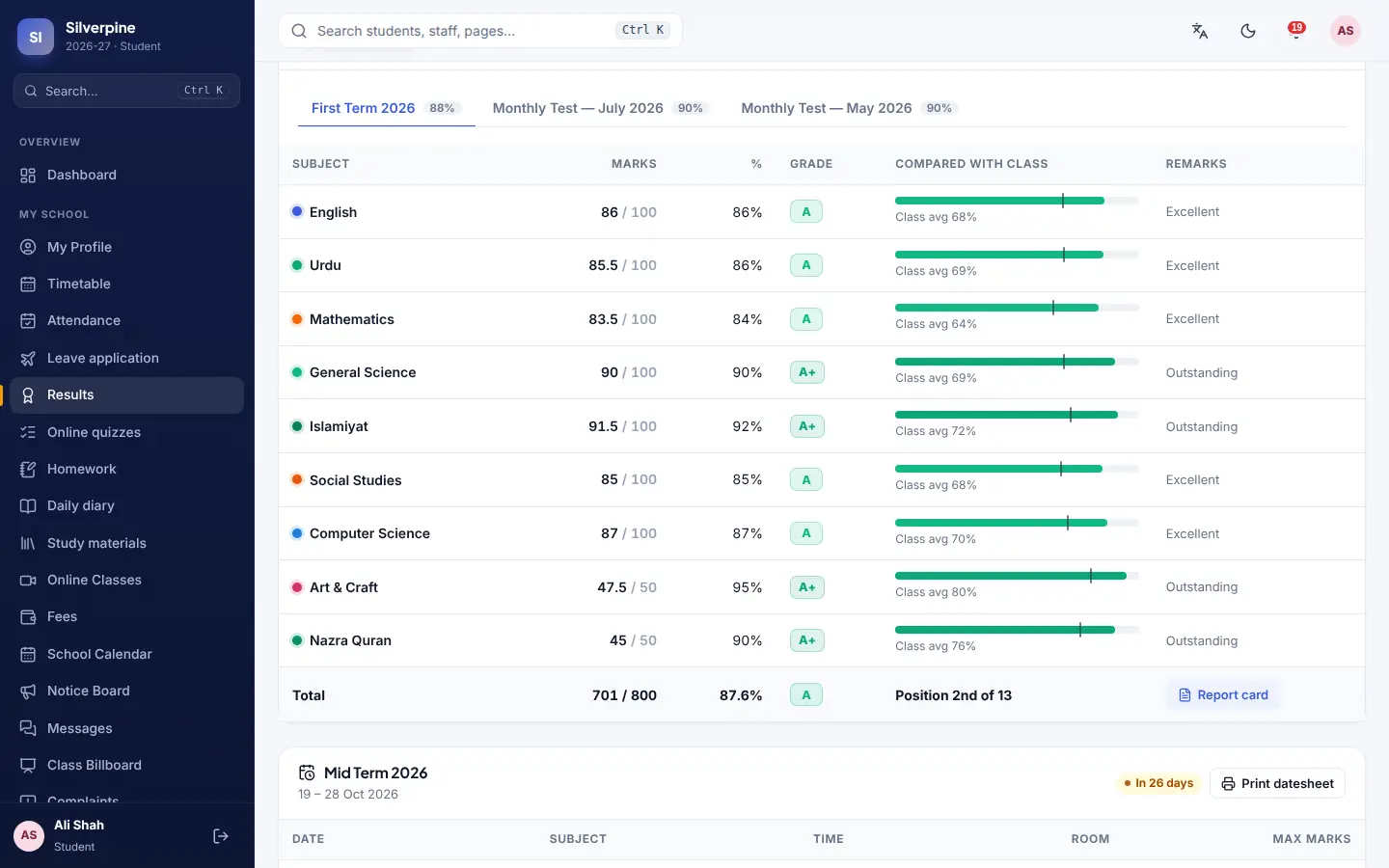
Marks entry, grading scales, report cards, transcripts and online quizzes.
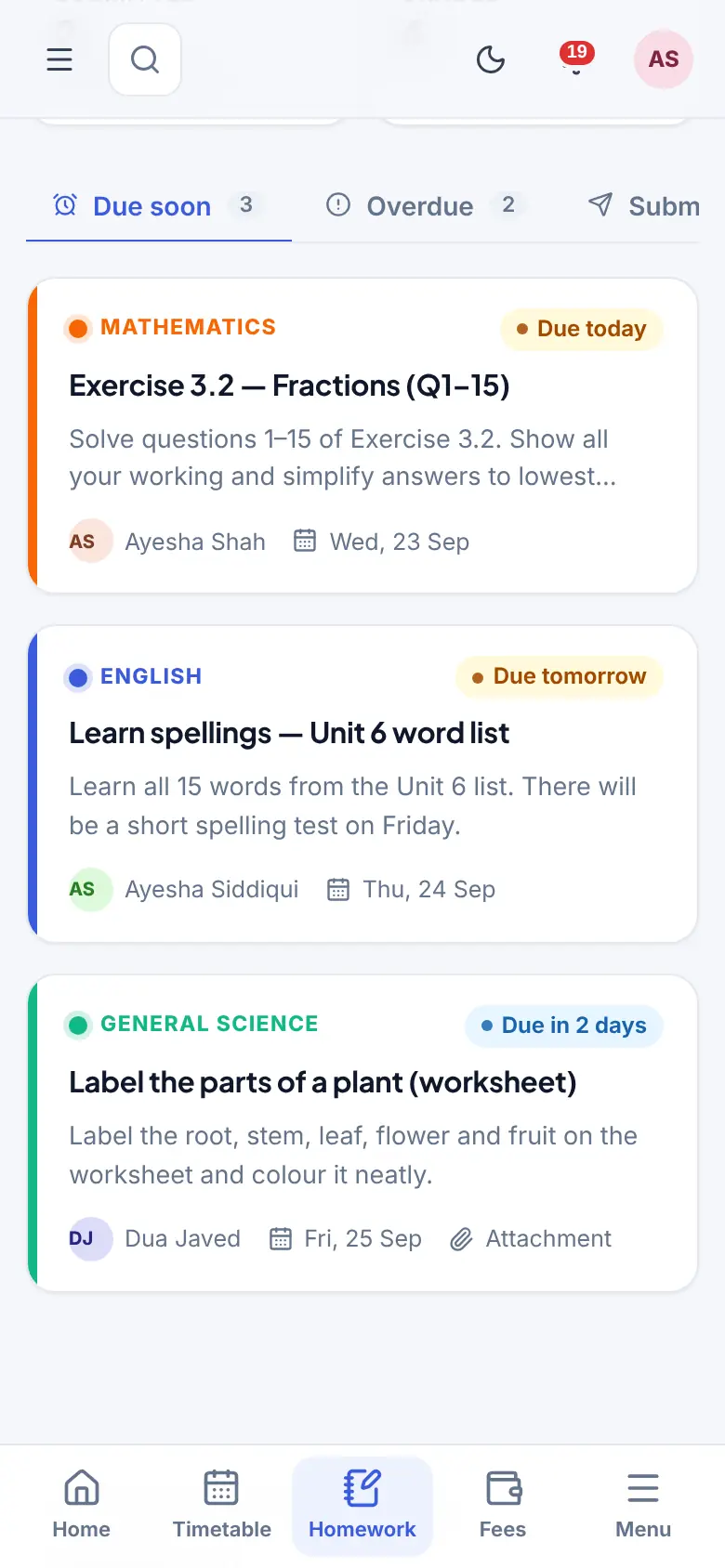
Assignments with submissions and marking, plus the daily class diary parents read at home.
Live lessons on your own server — whiteboard, screen share, chat, polls and recording.
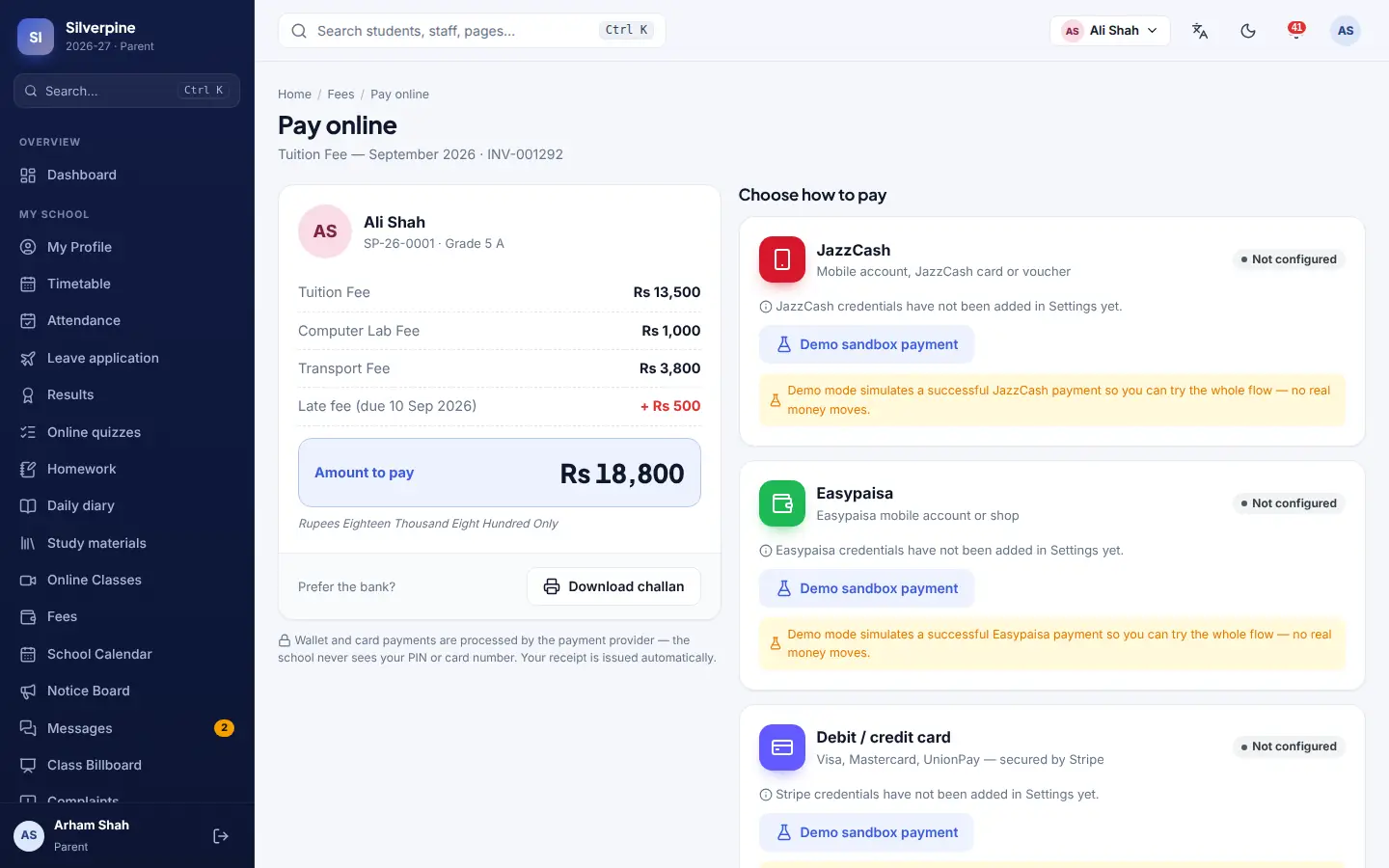
Fee heads, monthly invoicing, three-copy bank challans, a collection counter and online payment.
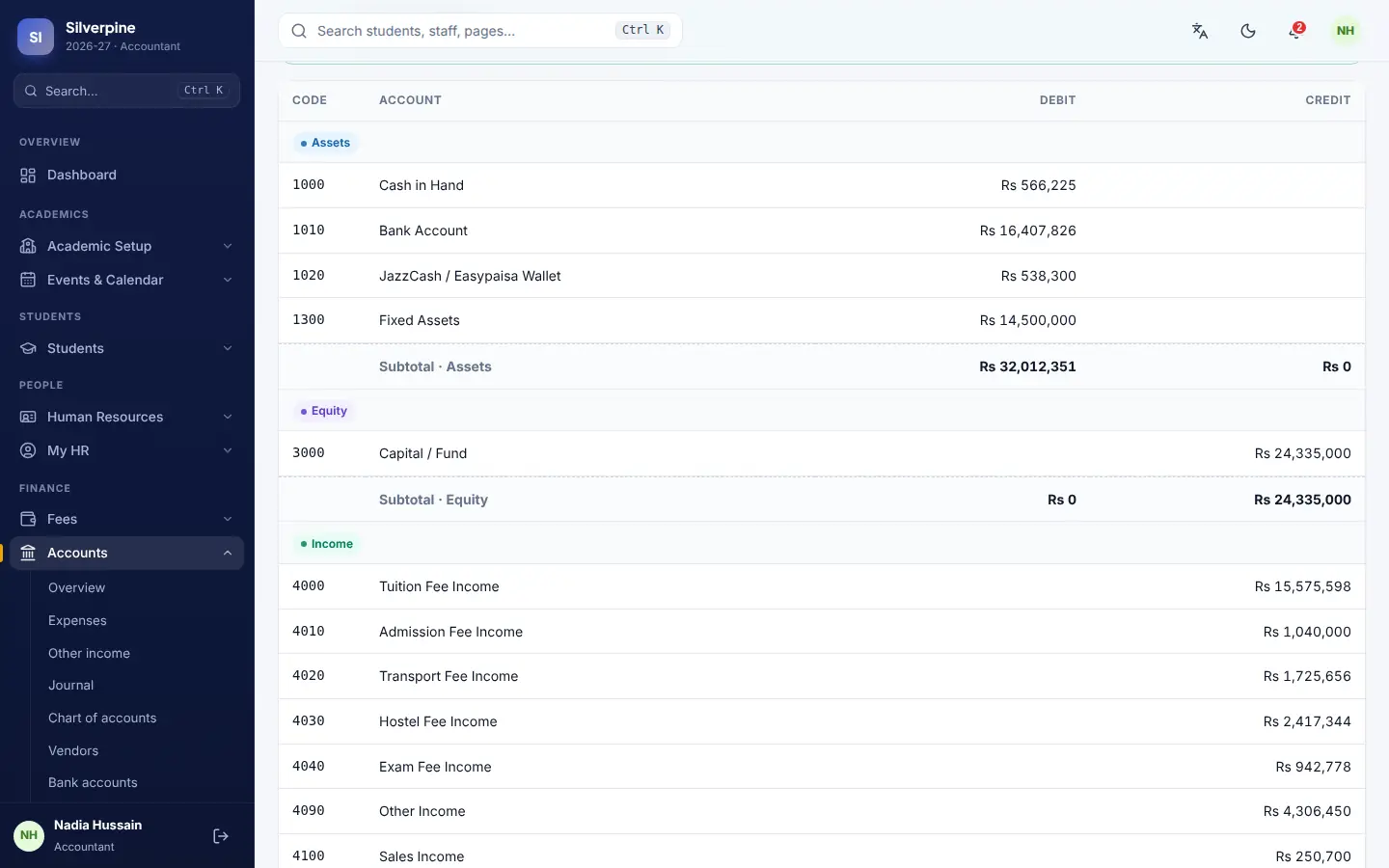
Real double-entry bookkeeping — ledgers, journals, expenses, trial balance and financial reports.
Staff records, contracts, leave, attendance and monthly payslips.
Notices, bulk SMS, WhatsApp and email, plus private messaging between parents and teachers.
A class noticeboard and a kiosk mode that drives display screens around the school.
Catalogue, issue and return, fines, and an e-book shelf students can read online.
Routes, stops, vehicles, drivers and which child is on which bus.
Rooms, beds, allocations and warden records.
Stock, the school shop with a point of sale, and uniform or book sales.
What the school owns, where it is, and what it is now worth.
Visitors, gate passes, enquiries and the phone log.
Dashboards for the principal, and an early warning list of students slipping behind.
A public website for the school, managed from the same admin — news, events, galleries and the admission form.
Thirteen ready-made roles, every permission adjustable, and a full audit trail.
The school calendar, holidays, exam dates and events parents can see.
Every feature, channel and payment gateway is a switch here — no code change to turn something on or off.
The classroom is part of the system and runs on your own server. No Zoom account, no meeting links to buy, no forty-minute cut-off, and no outside company holding recordings of your classrooms.
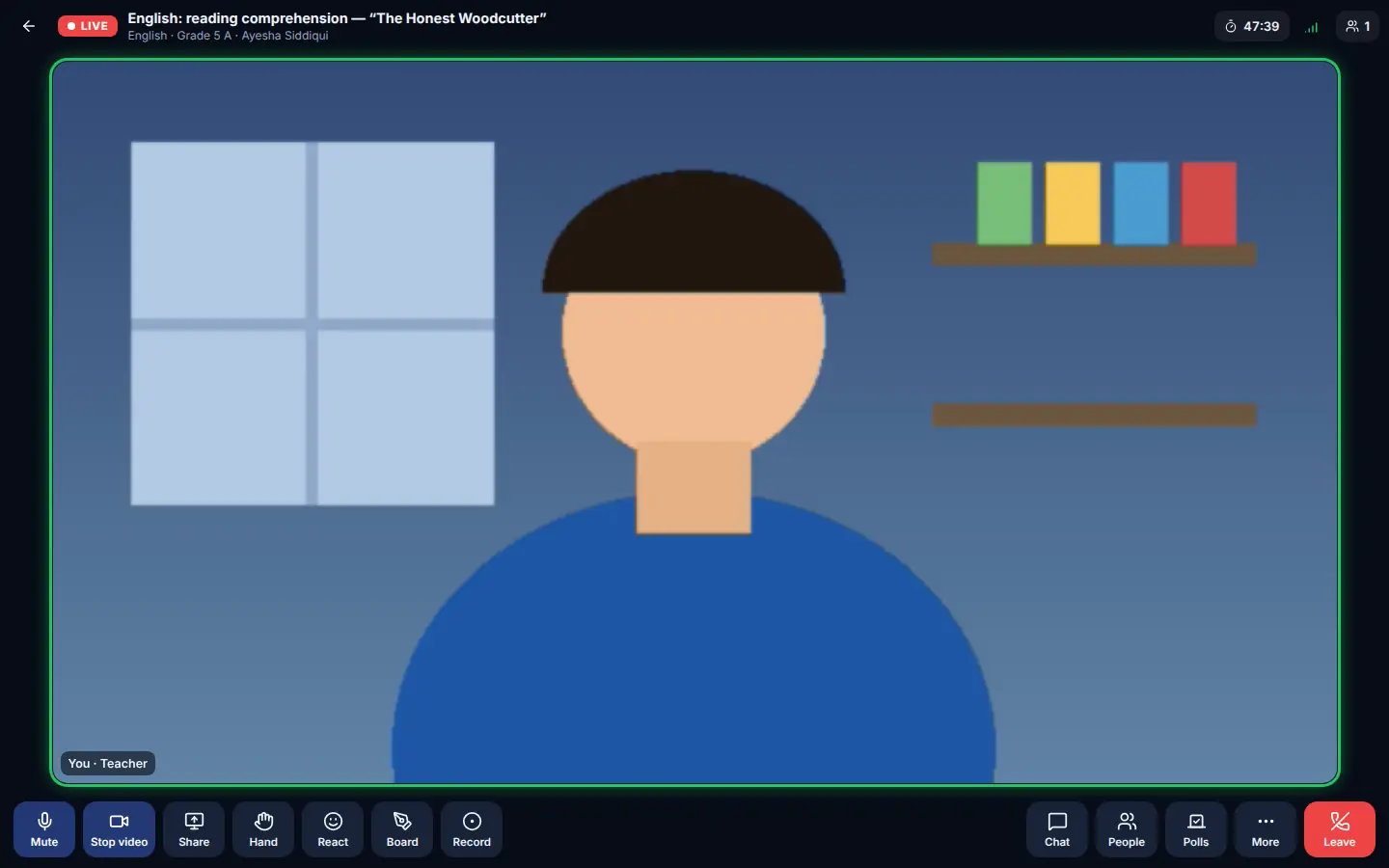
Whiteboard, screen sharing with sound, chat, hand raise, quick polls and recording. The teacher decides who may speak, draw or share.
Minutes connected are recorded per student and flow straight into the attendance register. No separate list to reconcile afterwards.
It falls back automatically when a student's network blocks video traffic, and each person only receives the streams actually on their screen.
Video and audio go directly between the browsers and your server. Recordings are saved with the class, where only your school can reach them.
Every screenshot below is the actual system — nothing mocked up.
Setup, data import from your old system and staff training are included in every plan. Pay yearly and get two months free.
Single campus, up to 150 students.
Growing schools up to 400 students, with online classes.
Unlimited students, multiple campuses, every module.
A self-hosted licence puts the whole system on your own hardware, with a yearly support and updates fee. Suits schools with a policy about data leaving the premises — or anyone who would rather pay once. From Rs 350,000 one-time.
Prices exclude applicable taxes. Larger schools and school groups — talk to us for a quote.
A half-hour call on your screen, walking through the parts that matter to your school. No slide deck.
Your campus, classes, sections, subjects and fee heads, with your logo and colours on it.
Students, guardians, staff and outstanding balances come across from Excel or your old system.
Two sessions, plus a built-in help centre with step-by-step guides for every role.
A day for most schools. We set up your campus, classes, sections and fee heads, import your student and staff lists from an Excel file, and brand it with your logo and colours. Training for your staff is included and usually takes two sessions.
Yes. Send us whatever you have — an Excel sheet, a CSV export from your old system, even a printed register we can type up. Students, guardians, staff, classes, fee structures and outstanding balances all come across.
Every screen works on a phone. Parents and students open the site and can add it to their home screen, where it behaves like an installed app — no app store, no download, nothing to update. Notices, attendance alerts, fee challans, results and homework all reach them there.
No. The classroom is ours, running on your own server — video, audio, screen sharing, whiteboard, chat, polls and recording. Nothing goes through Zoom, Google Meet or any other company, so there are no meeting links to buy, no forty-minute limits, and no third party holding recordings of your classrooms.
Yes. JazzCash, Easypaisa and card payments are built in, alongside the printed three-copy bank challan schools already use. Receipts are issued automatically and the accounts update themselves. You will need your own merchant account with the gateway you choose.
Your data sits in your own database. The system makes no calls to outside services while it runs — no CDN, no analytics, no tracking. SMS, WhatsApp and payment gateways are switched off until you turn them on and enter your own keys.
Yes, the whole system is translated. Each user picks English or Urdu for themselves, so your accountant can work in English while parents read notices in Urdu.
Switch off what you do not need in Settings and it disappears from the menus for everyone. Nothing is hard-coded — a school with no hostel or transport simply turns those off.
Yes. The self-hosted licence puts the whole system on hardware you control, with a yearly support and updates fee. It suits schools with a policy about data leaving the premises, or anyone who would rather pay once.
Tell us. The system is ours end to end, so we can build what your school actually needs rather than fitting you into someone else's product. Custom work is quoted separately.
Tell us a little about your school and we will walk you through the system on a call — the parts you actually care about, at a time that suits you.
Would rather just talk?
info@saytrix.comWe reply the same working day.